
Service · CMR and POD
Your CMR on the day of delivery
The driver scans the signed CMR with the app camera right at the dock. The system straightens and cleans the scan, and you get a clear PDF the same day. The original travels with the truck.
Documents without waiting
How it works
- 1
Signature at the dock
The consignee signs and stamps the CMR. The driver takes a photo in the TRANSLOGIC app straight away.
- 2
Clean scan
The system straightens the page, whitens the background and keeps ink, signatures and stamps. A crooked photo becomes a document that looks scanned.
- 3
Sending
The PDF goes to the forwarder by e-mail and to the portal, linked to the right trip and unloading point.
- 4
Original and invoice
The paper original travels with the truck to the office. We invoice with the full set of documents, no chasing.
Documents without waiting
What you get
Photos come only from the app camera, so it is clear when and where they were taken
Without signal the photo waits on the phone and sends itself when the network is back
Every unloading point has its own proof of delivery (POD)
All documents of a trip in one place in the forwarder portal
Document history: any trip or month in a few seconds


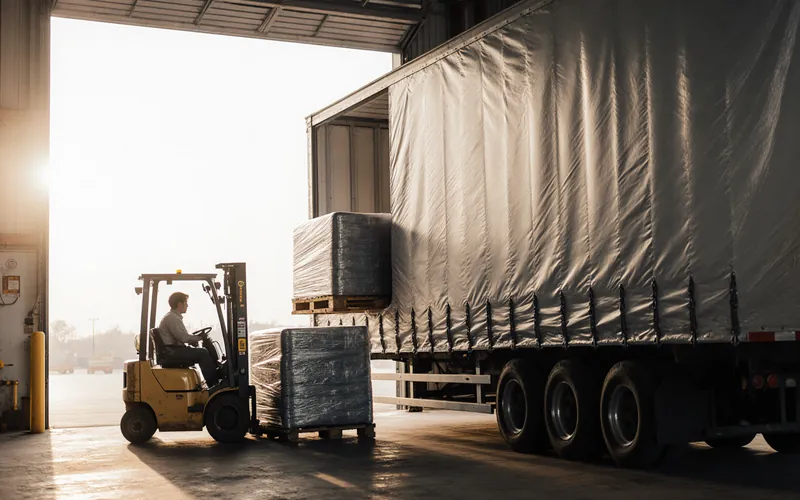
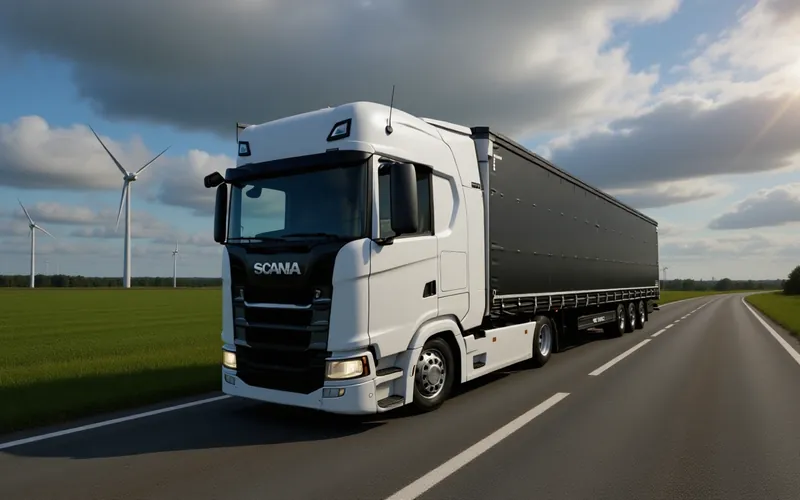
Photos are visualisations based on our trucks.
Services
Other services

Have a load for this route?
Tell us where from, where to and when. We reply the same day.